 Tendrl
Docs / Contact / iam/users
Users
Manage users in your Tendrl account.
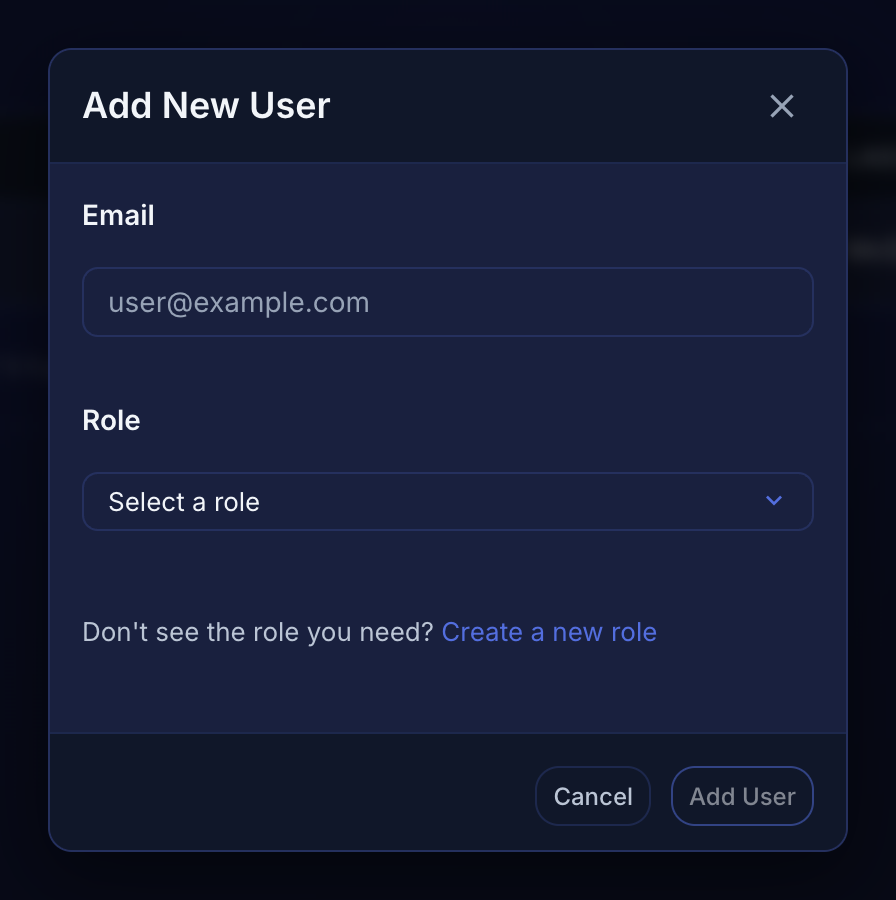
Adding Users#
- Navigate to Access Control → Users
- Click the + button (tooltip: Add User)
- Enter the email address
- Select a role — or use Create a new role if none of the existing ones fit
- Click Add User
 The add control is an icon-only + above the user list.
Managing Users#
- Edit - Change user role
- Change role - Move the user to a different role
- Remove - Permanently remove user
