 Tendrl
Docs / Strand / nodes/overview
Node types
Nodes are the steps a workflow is built from. Each one takes input from the nodes connected before it, does one thing, and passes its result on. This page is the index; each node has its own page with configuration and examples.
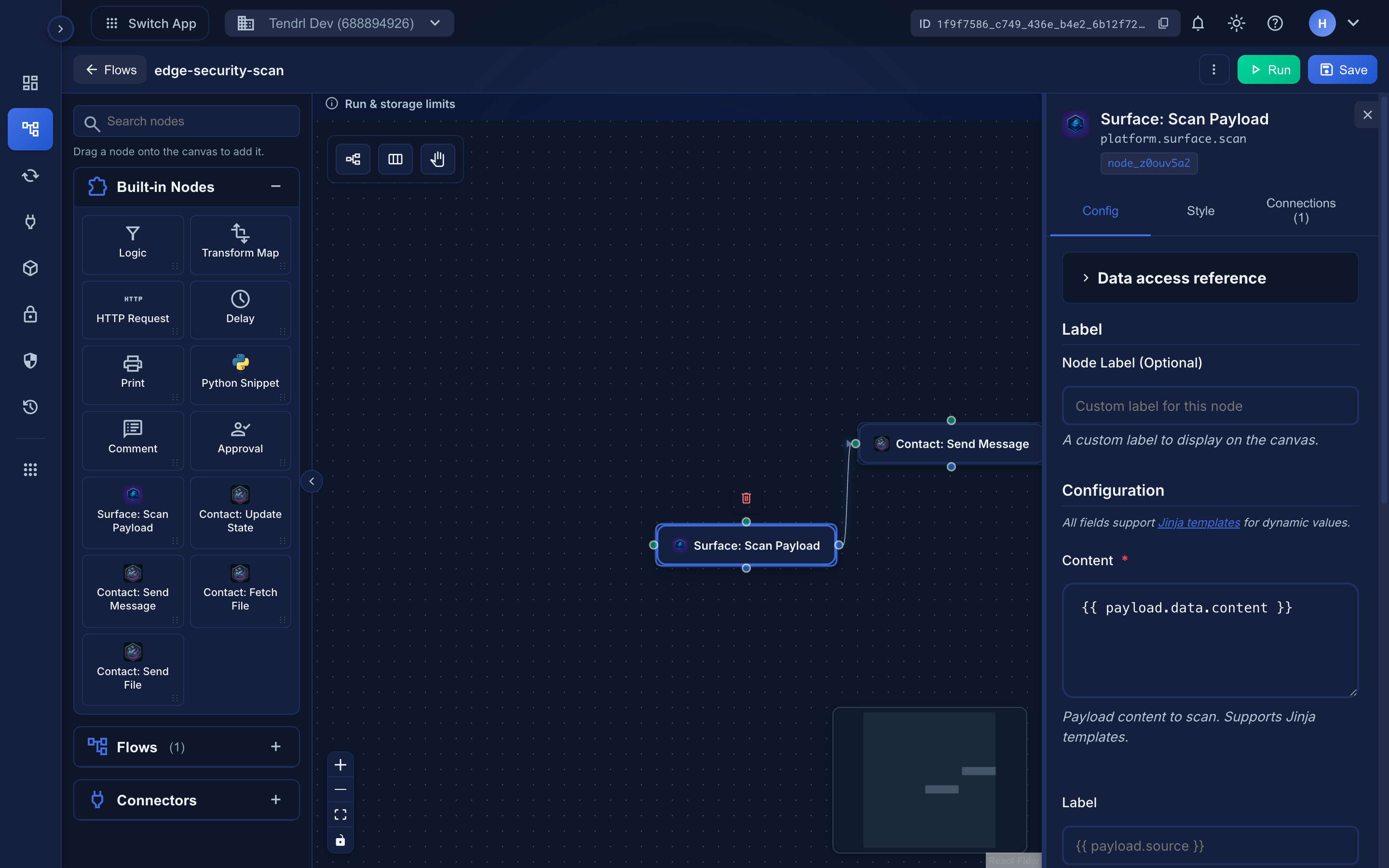 One of each node type in a single flow.
Calling out#
| Node | Use it to |
|---|---|
| HTTP Request | Call any HTTP API directly, without a saved connector |
| Connector nodes | Use a saved connector's credentials to reach an external service |
| AI connectors | Send prompts to a configured AI provider |
| Connector outputs | Shape and read what a connector node returns |
Control flow#
| Node | Use it to |
|---|---|
| Logic | Branch execution on a condition |
| Delay | Pause before continuing |
| Approval | Pause until a human approves or rejects |
| Flow call | Run another workflow as a step |
| Function call | Call a reusable function |
Working with data#
| Node | Use it to |
|---|---|
| Transform | Reshape a payload between steps |
| Python snippet | Run sandboxed Python for logic that templating can't express |
| Write to the run log for debugging |
Documenting the canvas#
| Node | Use it to |
|---|---|
| Comment | Leave a text note on the canvas. It is a no-op: the event passes through unchanged |
Choosing between them#
Reach for Transform and templating first — they cover most data reshaping and are easier to read in a run record. Use a Python snippet when the logic genuinely needs code; it runs under resource limits described in Python snippet resource limits and the sandbox rules in Python security.
Use a connector node rather than a raw HTTP request whenever a connector exists for the service — the credentials stay centralized and out of the workflow definition.
Related#
- Connectors — the services nodes can reach
- Node types in the editor — adding nodes to a canvas
- Connecting nodes — how execution flows
